

Adding staff to your school’s membership
How your faculty and staff get access to member resources and the Career Center.
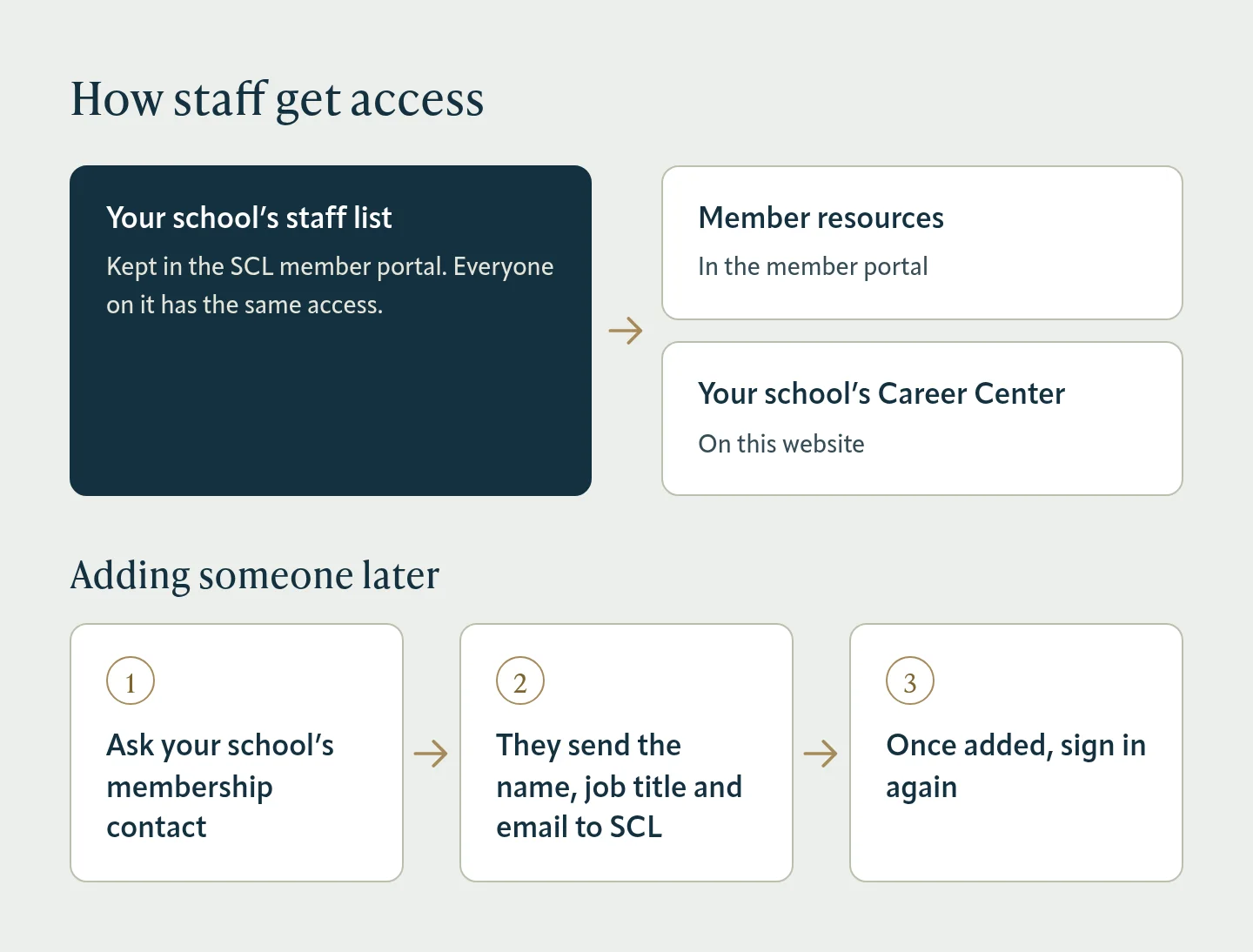
Every faculty and staff member on your school’s staff list in the SCL member portal can use member resources in the member portal and your school’s Career Center on this website.
When you join
With your membership application, send your employees’ names, job titles and email addresses, and we’ll add them to your school’s staff list.
Later changes
Your school’s membership contact can add or remove staff by contacting SCL with each person’s name, job title and email address. If that isn’t you, ask them to send the change.
After you’re added
Sign in with the member portal account for your email address. If you were added recently and the Career Center still says “The Career Center is for staff of member schools”, sign in again.
Was this article helpful?
Thanks for letting us know.
Thanks. Tell us what was missing and we’ll improve this article.
Can’t find what you need?
Contact SCL