

Can’t get into the Career Center?
What each sign-in message means and how to fix it.
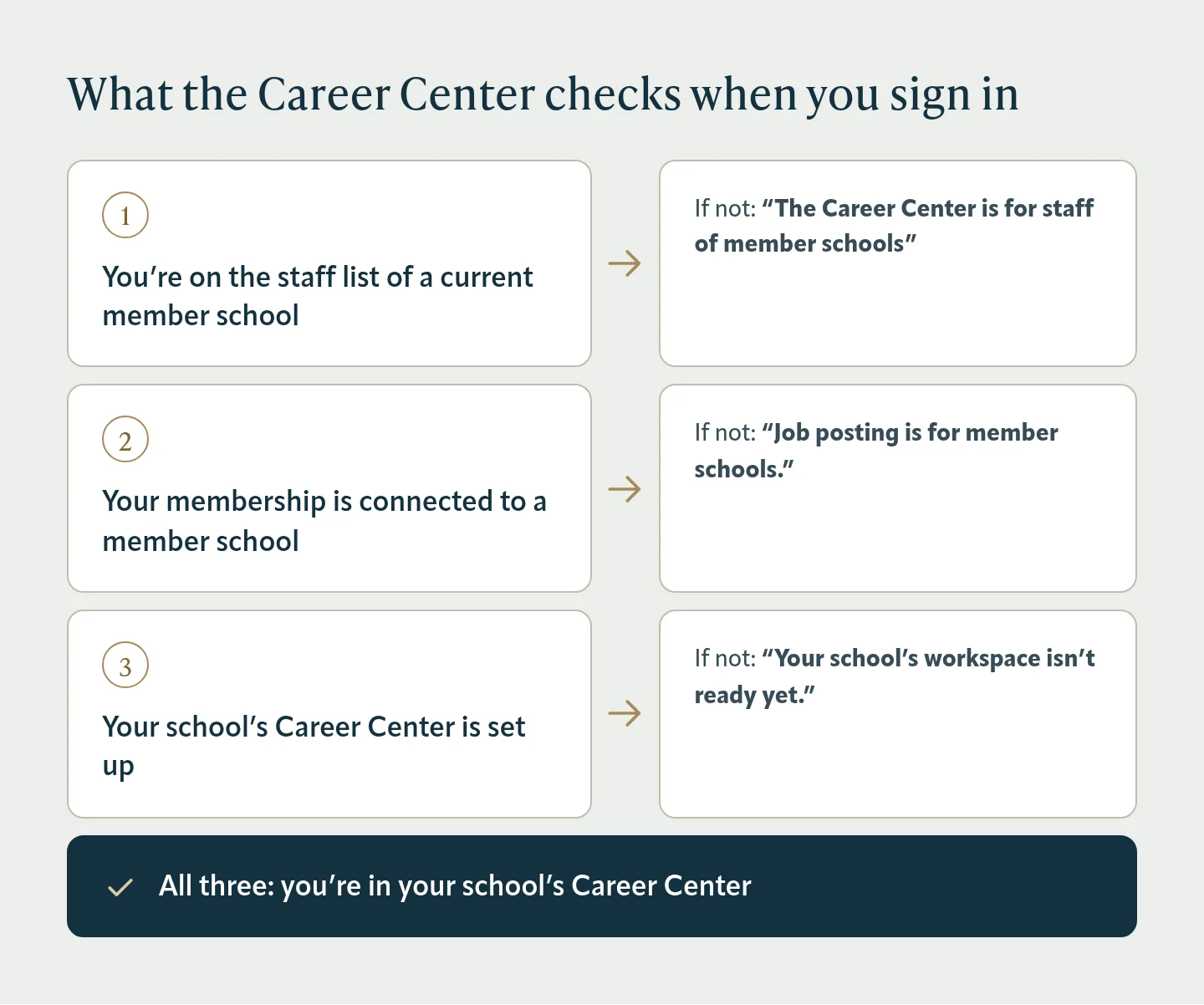
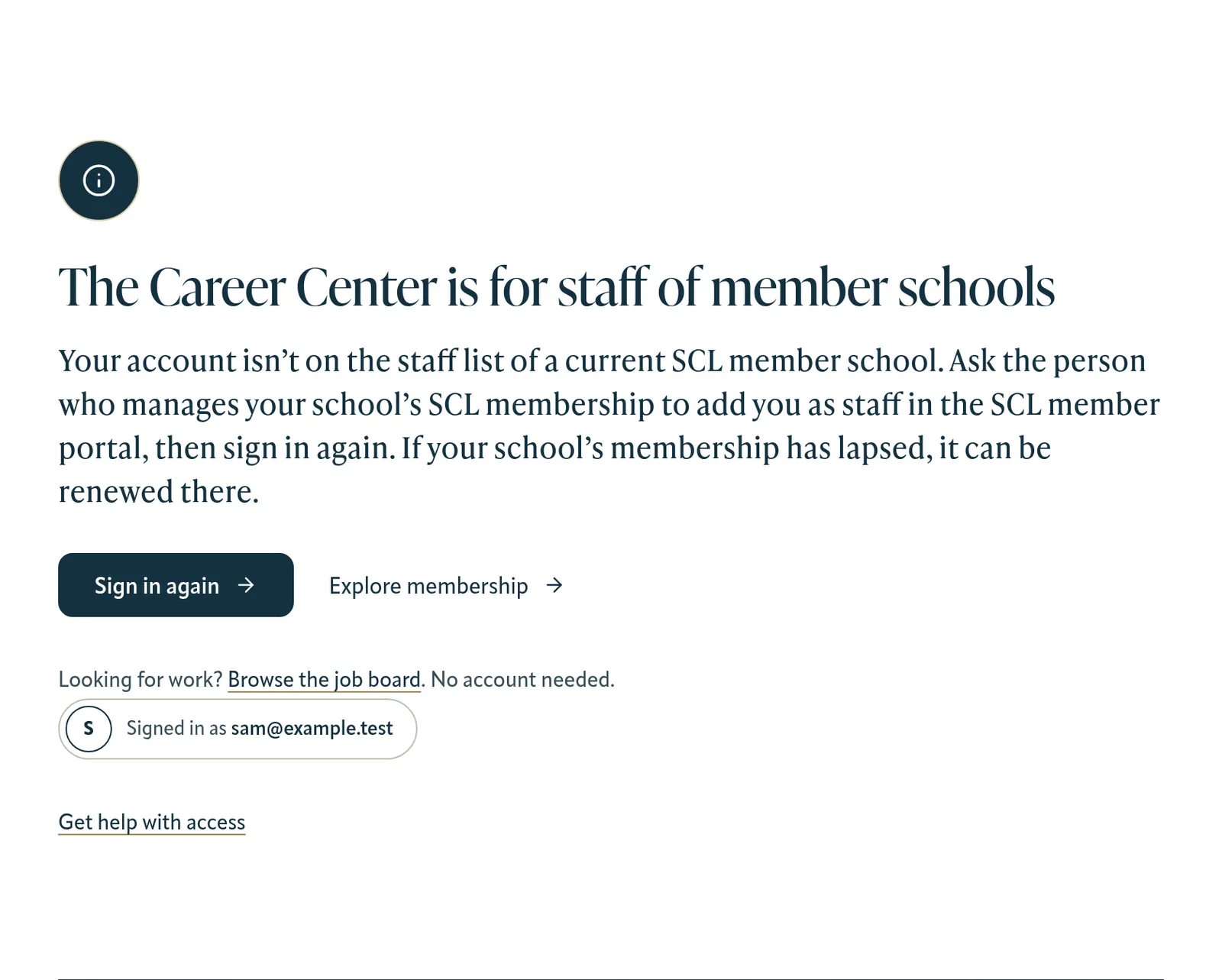
“The Career Center is for staff of member schools”
You signed in, but you’re not on the staff list of a current member school in the SCL member portal. Ask the person who manages your school’s SCL membership to add you as staff, then sign in again. If your school’s membership has lapsed, it can be renewed in the member portal.
“Job posting is for member schools”
Your membership is active but isn’t connected to a member school. Affiliate (individual) memberships don’t include job posting. If you work at a member school, ask your school to add you to its staff list.
“Your school’s workspace isn’t ready yet”
We found your school’s membership but couldn’t set up its Career Center. This is usually temporary, so sign in again in a few minutes. If it keeps happening, contact SCL.
“Sign-in was cancelled” or “Your sign-in timed out”
Sign-in has to finish within 10 minutes, and your browser must allow cookies for this site. Choose Try again.
“We couldn’t sign you in”
Something went wrong while connecting to your member portal account. Choose Try again, and if it keeps happening, contact SCL.
Signing out on a shared computer
Sign out in the Career Center ends your website session, but you may still be signed in to the SCL member portal. On a shared computer, sign out of the member portal too.
Still stuck?
Contact SCL with your name, your school and the message you saw.
Was this article helpful?
Thanks for letting us know.
Thanks. Tell us what was missing and we’ll improve this article.
Can’t find what you need?
Contact SCL